|
Document Security

By Brad Leary
While the printing industry is said to have started with the Gutenberg Press
in 1436, it was not until the 1970's that I anti-copy technology started to
appear. The advent of analogue photo copy equipment made it possible to reproduce


documents at a high enough quality to pass it off as an original. The first
company to address this problem was the Borrough's Company. They used multiple
line screen settings to produce what on the original document looked like a normal
background. When the copy was made, the different line screens would manifest
themselves and a hidden word (such as VOID) would appear on the copy.
As digital imaging and printing has improved over the last 30 years it has become
more important to use stronger anti-security measures in documents. Any $50 scanner
would enable a user to adjust the settings of the image enough to remove the security
measures of the 70's and 80's. Several new systems of security have been devised to
help protect modern documents from fraud. Examples of some of these newer security
measures are listed below:
-
Micro Print: Small text or images (usually 1pt. or smaller) is printed as part of
the background image. The small lines and patterns of the text tend to attract ink
when copied making the text only legible on the original document.
-
Thermal Ink: Printing can be done on the document with a special ink
that changes color with changes in temperature. Since the color changes it is impossible
to recreate this effect with non thermal inks.
-
Imbedded Security Features: These are generally qualities of the paper that
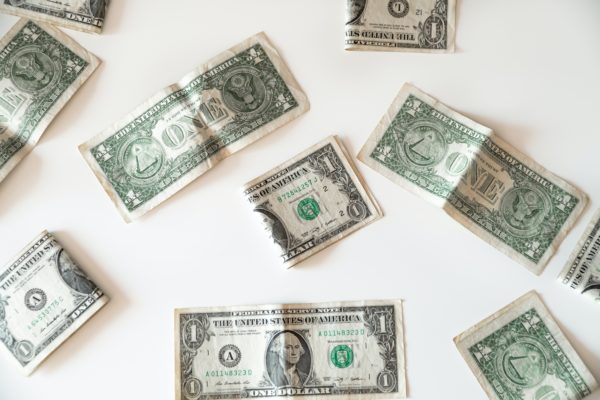
the document is printed on. A good example is a one dollar bill. If you look closely, you
can see colored threads running through the paper, larger bills ($20 and up) even have a
security strip that runs through it that has text on it that you can read when you hold it
up to the light. Imbedded security features can also be as simple as a special sticker
attached to the document.
-
Invisible Signatures: It is also possible to use invisible or semi-visible
ink to leave a “fingerprint” on the document. This fingerprint can be verified by special
scanning equipment but is not noticed unless it is specifically looked for. The fingerprint
can be printed in a UV ink or created by altering the pixel color of selected pixels slightly
when printing the original. These alterations are too discrete to be picked up by conventional
copy equipment.
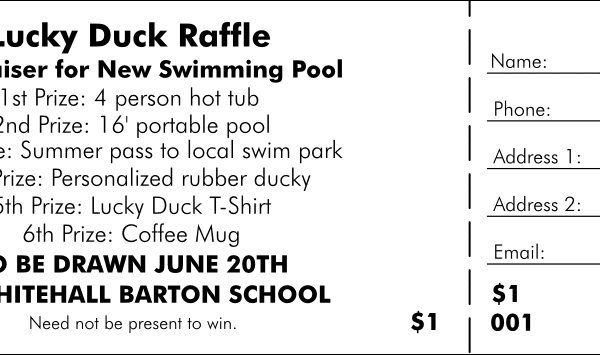
As technology continues to advance, so does the technology behind security documents. Look for
more advanced features to start showing up in all sorts of documents that you use. Examples are
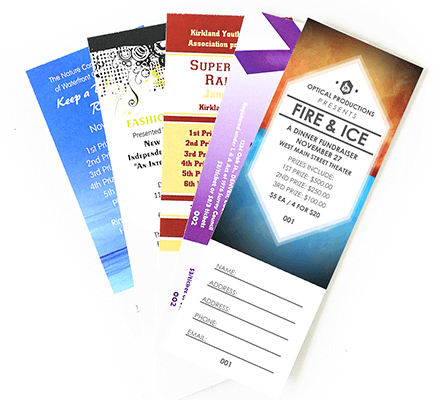
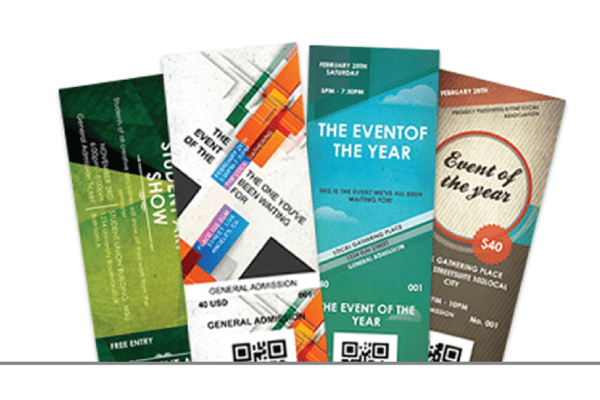
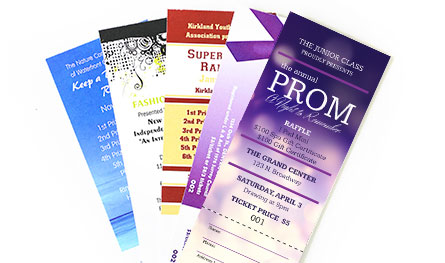
the checks that you write or tickets that you buy for an event. These changes will continue to make
documents more secure and protect you from fraud.
|
|
|
|